Using Your Address Book 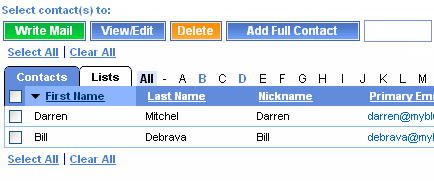 With your Address Book, you can easily address your messages while keeping all your email addresses in one place. When you create an entry in your Address Book, you assign each email address a nickname. This way, when you want to send a person a message, you can select the nickname you assigned, not their full email address. You can also create mailing lists. Using a mailing list, you can send one message to everyone in the mailing list at the same time.
Back to the Main Menu
| |




 Billing History &



